Having trouble with your Dyson vacuum? Don’t worry, I’ve got you covered. In this easy troubleshooting guide, I’ll walk you through some common issues and provide simple solutions to get your vacuum up and running smoothly again.
One of the most common problems with a Dyson vacuum is loss of suction. If you find that your vacuum isn’t picking up as well as it used to, there are a few things you can check. First, make sure that the bin is empty and properly attached to the machine. Clogs in the hose or brush bar can also cause a loss of suction, so take a moment to inspect these areas for any blockages.
How to Fix Dyson Vacuum
When it comes to keeping our homes clean and dust-free, Dyson vacuums have become a popular choice for many. However, like any other appliance, they can sometimes encounter common issues that may hinder their performance. In this section, I’ll outline a few of these issues and provide some troubleshooting tips to help you fix your Dyson vacuum.
- Loss of Suction: One of the most common complaints with Dyson vacuums is a loss of suction power. If you notice that your vacuum isn’t picking up dirt as effectively as before, there are a few things you can check. First, make sure that the dustbin is empty and the filters are clean. Clogged filters can significantly reduce suction power. Additionally, check for any blockages in the hose or brush bar and remove them if necessary.
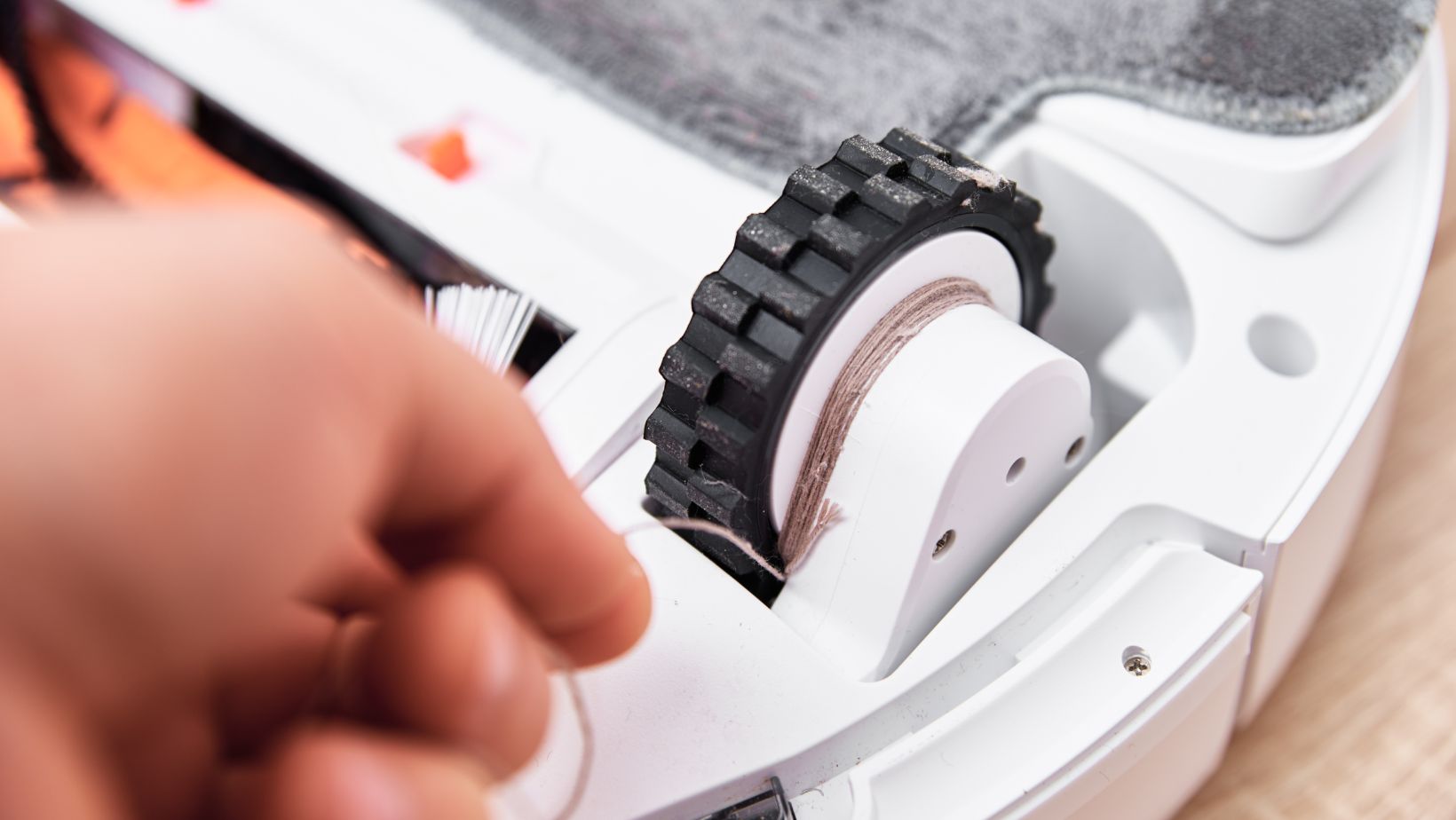
- Brush Bar Not Spinning: Another issue you might encounter is when the brush bar stops spinning. This can happen due to tangled hair or debris wrapped around the brush bar or a worn-out belt. To fix this problem, turn off your vacuum and carefully remove any obstructions from the brush bar using scissors or a comb. If the belt is worn out or broken, you’ll need to replace it.
- Unusual Noises: If your Dyson vacuum starts making strange noises during operation, it could be indicative of underlying issues. Check for any loose components or foreign objects stuck in the brush bar or hose that may be causing the noise. Tighten any loose screws or connections and remove any obstructions to resolve this problem.
- Power Cord Issues: Sometimes, you may find that your Dyson vacuum doesn’t turn on or shuts off unexpectedly due to power cord problems. Ensure that the power cord is securely plugged into an outlet and inspect it for any signs of damage such as cuts or fraying wires. If you notice any damage, it’s crucial to replace the power cord to avoid potential hazards.
- Battery Troubles: For cordless Dyson models, battery-related issues can be a common occurrence. If your vacuum doesn’t hold a charge or has significantly reduced runtime, try resetting the battery by fully charging it and then discharging it completely. If the problem persists, you may need to replace the battery pack.
Checking the Power Supply
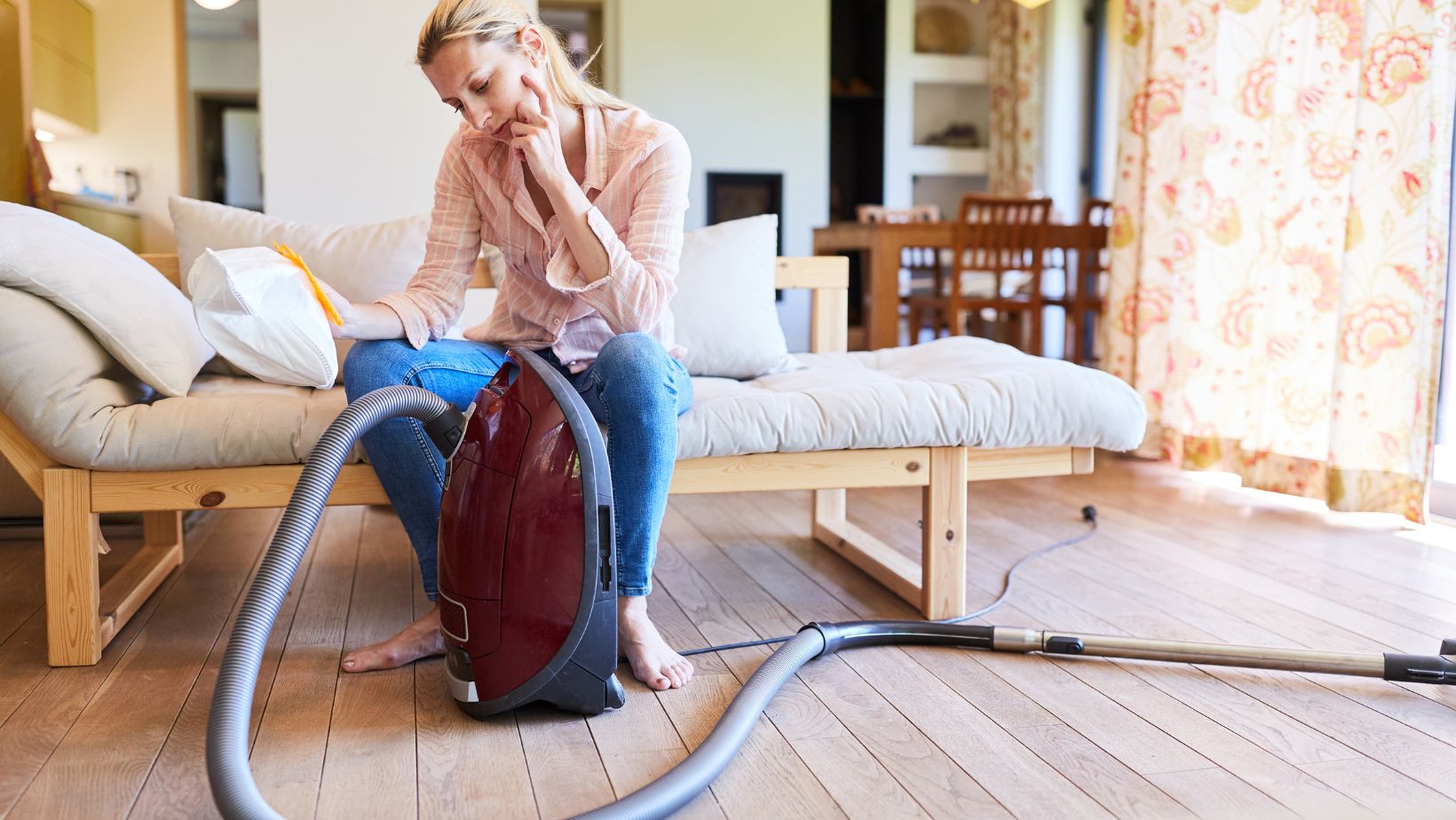
- Check the Power Outlet: Begin by ensuring that the power outlet you’re using is functioning correctly. Plug in another device to confirm if it’s receiving power. If not, try plugging your Dyson vacuum into a different outlet.
- Inspect the Power Cord: Examine the power cord for any visible damage such as cuts, fraying, or exposed wires. Such issues can pose safety hazards and may require professional repair or replacement.
- Test with Another Device: To rule out any potential issues with your vacuum’s internal components, test another electrical device in the same outlet where you usually plug in your Dyson vacuum. This will help determine if the problem lies with the appliance or with the outlet itself.
- Reset Circuit Breakers: If your Dyson vacuum suddenly stopped working mid-use, it might have caused a circuit breaker to trip. Locate your home’s circuit breaker panel and check if any breakers are in an “off” position or halfway between “on” and “off.” Reset them by flipping them fully to “off” and then back to “on.”
- Check for Overheating: Some models of Dyson vacuums have built-in thermal cut-outs that protect against overheating. If your vacuum shuts off unexpectedly during use, allow it to cool down for at least an hour before attempting to turn it on again.