
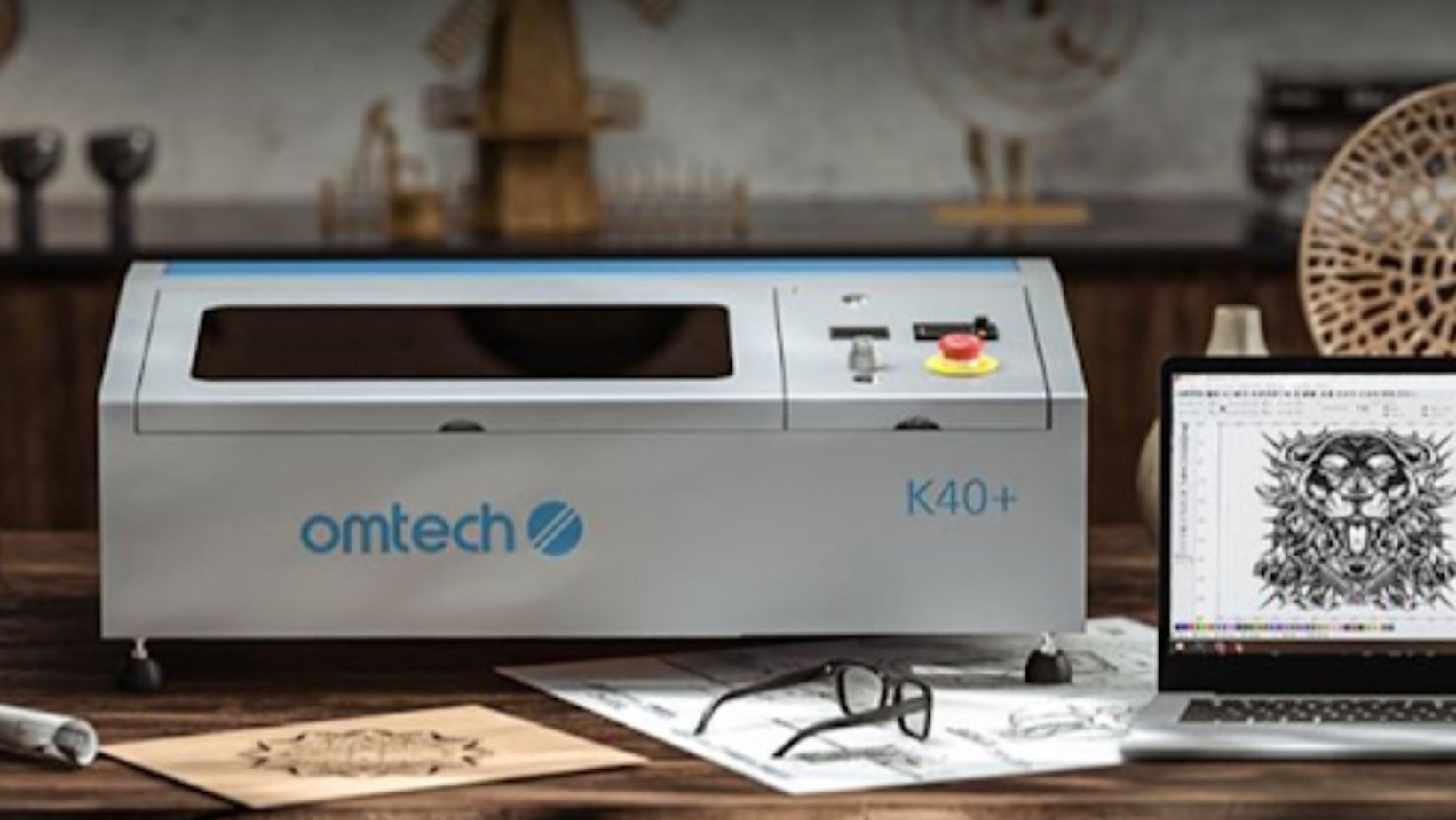
A laser cutter is a powerful tool that makes precise cuts and engravings possible. Whether you use it for wood, acrylic, leather, or metal, your machine needs regular maintenance to stay efficient. Dust, smoke, and residue build up over time, and if not removed, they can reduce cutting performance and even shorten the machine’s lifespan. Proper cleaning and maintenance, especially for popular models like the K40 CO2 laser, ensures that your machine continues to deliver sharp and reliable results.
Why Cleaning and Maintenance Are Essential
Every time you use a CO2 laser, materials release smoke and tiny particles. These can stick to mirrors, lenses, and the inside of the machine. Over time, this build-up causes several issues:
- Reduced cutting power: A dirty lens scatters the laser beam, making cuts less precise.
- Overheating risks: Residue can block airflow, leading to overheating and possible damage.
- Shortened lifespan: A poorly maintained machine wears out faster, requiring costly repairs.
- Lower safety levels: Dust and debris increase the risk of fire inside the machine.
Routine cleaning prevents these problems and ensures consistent performance.
How to Clean a K40 Laser Engraver
The K40 is a popular entry-level CO2 laser engraver, but like all machines, it needs proper care.
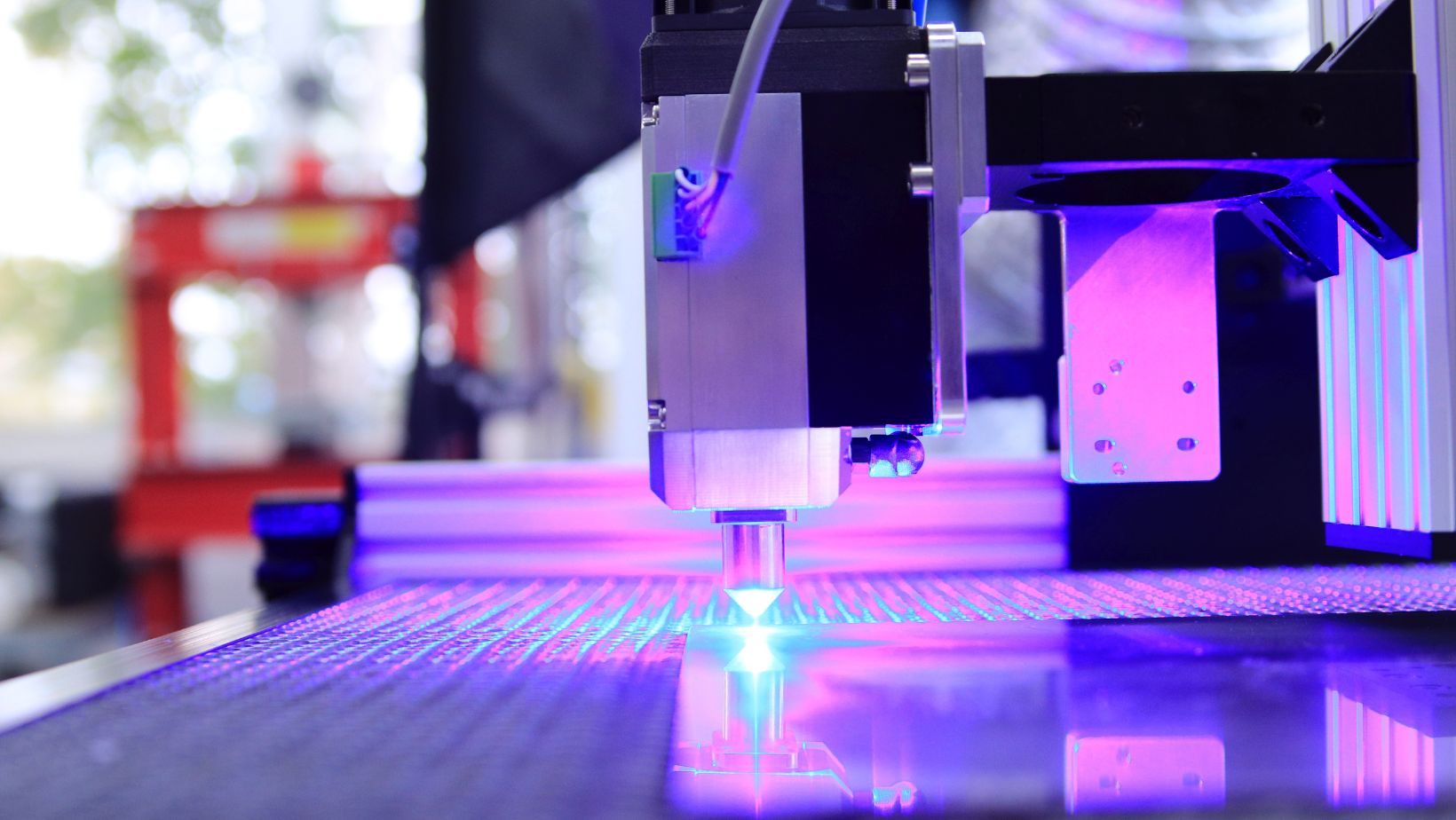
Below is a step-by-step guide to cleaning a K40 safely and effectively.
1. Power Off and Unplug the Machine
Before doing any maintenance, turn off the K40 and disconnect it from power. Safety should always come first.
2. Clean the Work Area
Remove leftover material scraps and dust from the cutting bed. Use a small vacuum cleaner or a soft brush to clean the surface.
3. Clean the Exhaust System
Check the exhaust fan and venting system. Dust and smoke residue build up here quickly. Wipe the fan blades with a damp cloth and ensure that the airflow is not blocked. Proper ventilation keeps the laser cutter safe and efficient.
4. Clean the Optics (Lenses and Mirrors)
The lenses and mirrors are the most critical parts of your CO2 laser machine. Use lens-cleaning wipes or cotton swabs with isopropyl alcohol. Never touch the lens with bare fingers, as oil can damage it. Clean gently in a circular motion.
5. Check the Water Cooling System
The K40 uses water cooling to prevent the laser tube from overheating. Replace the water regularly and clean the water pump. Make sure there are no leaks or clogs. Dirty water can cause tube damage and reduce efficiency.
6. Clean the Rails and Belts
Dust often collects on the rails and belts that move the laser head. Wipe them with a soft cloth. Apply a small amount of lubricant to the rails to keep them moving smoothly.
7. Inspect the Air Assist System
If your machine has air assist, clean the nozzle and tubing to make sure air flows freely. This reduces smoke build-up and prevents scorching of materials.
Things to Keep in Mind When Cleaning
While cleaning your CO2 laser, it’s important to follow best practices to avoid damaging delicate parts.
- Never use harsh chemicals: Only use recommended cleaning solutions. Strong cleaners can damage lenses or metal parts.
- Avoid too much moisture: Do not spray water directly inside the machine. Always use a damp cloth instead.
- Handle optics with care: Lenses and mirrors are fragile and expensive to replace. Clean them slowly and gently.
- Check alignment: After cleaning, ensure that the mirrors are still properly aligned. Misalignment can affect cutting accuracy.
- Clean regularly: Don’t wait until performance drops. A weekly cleaning routine keeps the machine in top condition.
Benefits of Regular Maintenance
By cleaning your laser cutter regularly, you will enjoy several benefits:
- Consistent cutting and engraving quality.
- Longer lifespan for your CO2 laser components.
- Lower risk of breakdowns and costly repairs.
- Safer operation with reduced fire hazards.
- Greater satisfaction with your projects and business.
A laser cutter like the K40 CO2 laser is an excellent tool for hobbyists, makers, and small businesses. But like any machine, it needs care. Regular cleaning of the bed, exhaust, optics, and cooling system keeps the machine running smoothly. Paying attention to details such as lens cleaning and airflow will help maintain precision and extend the life of your engraver.
By following proper cleaning practices and making maintenance a habit, you’ll ensure that your laser engraver remains safe, efficient, and ready for your next project.